How to Actually Claim Warranty on a Dead PC Part in India
A step-by-step warranty claim process for dead PC parts in India - documents, distributor registration, shipping, escalation, and Consumer Court as last resort.

A dead graphics card, a motherboard that stops POSTing or a storage device that disappears can leave you without a working PC. The useful first move is to preserve the evidence, identify the correct service route and get written instructions before sending hardware anywhere.
RMA means Return Merchandise Authorization. It usually identifies an approved return or service case; it is not a promise of a new replacement or a refund. The provider may still need to inspect the product and establish coverage. A seller’s early replacement process, manufacturer warranty service and a consumer complaint are separate routes with different requirements.
Use the steps below to build one organised claim file. You will have a symptom summary, the purchase and product identifiers, a confirmed destination, proof of handover and a record of what was returned. GetPC explains the process; the retailer, manufacturer or authorised provider handles the claim.
Start with the exact product, then choose a confirmed route.
Still within the seller’s applicable early replacement terms? Ask the seller to confirm eligibility and instructions.
Use official support to confirm the authorised service provider and whether this exact unit is covered.
Before Step 0: Stop Further Damage
If you notice smoke, burning, liquid ingress or a visibly damaged power connector, switch the system off and disconnect power when safe. Do not repeatedly power it up to create a video for support. Do not open a PSU enclosure. A service ticket can describe the event and include photographs taken with the equipment disconnected.
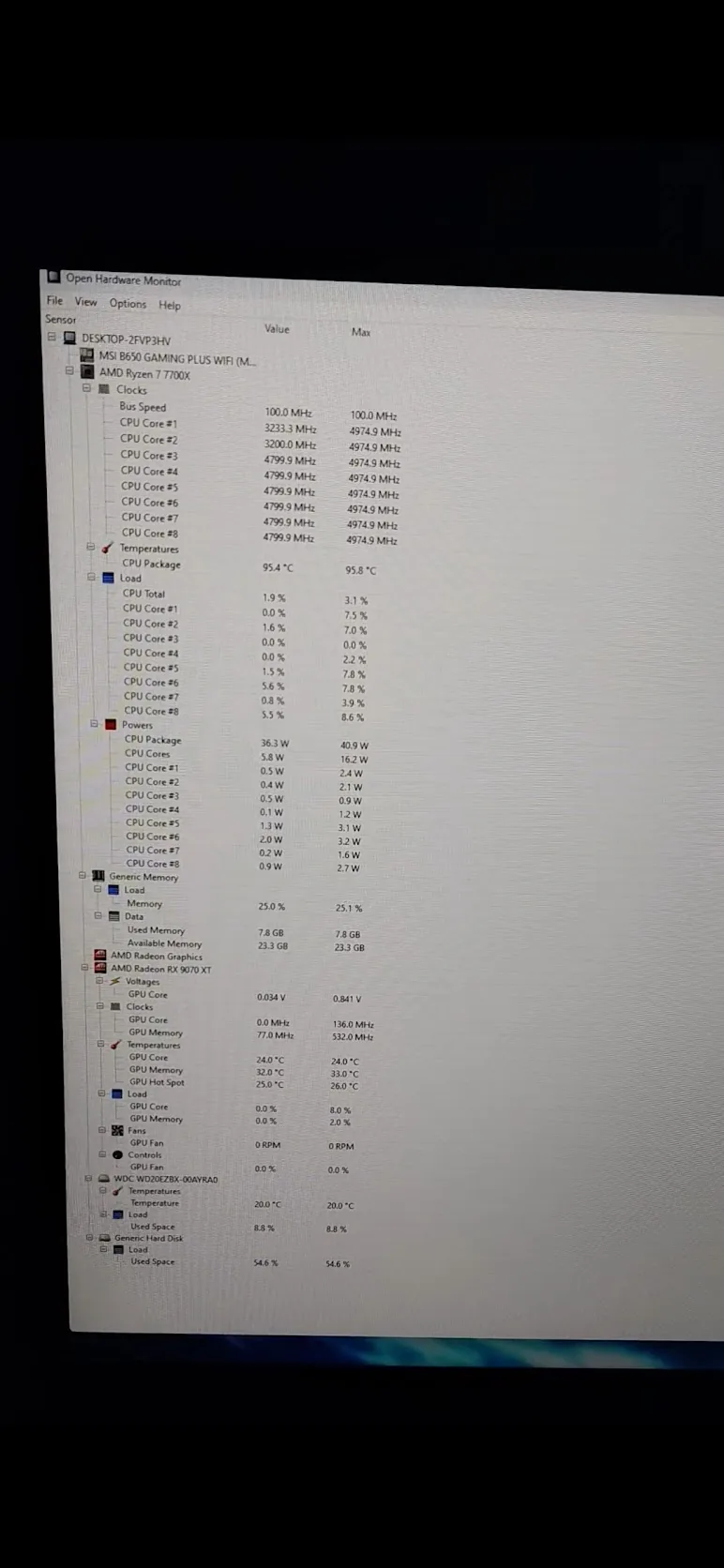
For an ordinary no-display fault, record the symptoms before assuming the GPU is dead. Check the monitor input and cable, the board’s diagnostic indicators and the relevant manual. A failed POST, a Windows boot problem and a crash during a game are different observations. The first-build checks and AM5 BIOS guide can help identify an assembly or firmware issue before an unnecessary return.
Only perform safe, supported checks that you understand. A known-good swap test may help when suitable equipment and handling experience are available; it is not a requirement to buy spare hardware or risk another component. Record what you actually tested. If a shop diagnoses the system, ask for its findings and the tested configuration in writing.
For SSDs and hard drives, think about data before repeated testing or a warranty shipment. Service may erase, replace or dispose of the original device. If irreplaceable data is the priority, ask about recovery options before authorising actions that could destroy it. Warranty replacement and data recovery are different services.
Step 0: Know Your Distributor Before Anything Dies
Find the service route while the PC works, and recheck it when a claim becomes necessary. The route can be the brand, an authorised service partner, a distributor or the original seller/system builder. It is not safe to assign every Indian GPU or motherboard to Acro or Rashi just from the brand on the cooler.
Start with the exact model, serial number, invoice and any importer/distributor label. Open the manufacturer’s official India support page and choose the product category. Ask it to confirm who accepts this serial, what documents it needs and whether the location accepts walk-ins or courier returns. Save that answer with the case. A map listing, sales office or distributor logo is a clue, not shipping authorisation.
| Product or provider | Start here | Confirm for your unit |
|---|---|---|
| Acro-distributed product | Acro’s current RMA page, then its linked claim portal. | Serial acceptance, authorised collection point, accessories and dispatch deadline. |
| MSI component | MSI India support and its product-category service locator. | The authorised centre or original-store route shown for the component. |
| Corsair component | Corsair support and the applicable product warranty. | Authorisation, local partner, items to send and shipping instructions. |
| AMD / Intel CPU | The processor maker’s boxed-versus-OEM warranty information. | Retail boxed eligibility versus seller/system-builder service for tray or OEM purchases. |
| Other brands / distributors | Official regional support for the exact model, including Rashi/RP tech if directed there. | Correct product category, territory and current authorised service point. |
There are real routing differences. MSI’s repair guidance directs users through the category/region locator and, where indicated, the original shop for component service. Gigabyte India provides its own support and repair links. Use the relevant manufacturer route for ASUS, Zotac, INNO3D or G.Skill too, rather than copying another owner’s distributor instructions.
Cooler Master, Noctua, WD and Seagate also need their own product and regional checks. A CPU installed in a complete system may be serviced by the system builder. AMD distinguishes retail-boxed service from tray/MPK purchases, and Intel’s boxed/tray policy makes the place of purchase or OEM important for end-user tray claims. “CPU warranty is always direct” is therefore an unreliable shortcut.
Step 1: Gather Your Documents
Build a private folder with the invoice, model and serial photographs, symptom evidence, support correspondence and delivery records. Keep original files as well as the copies submitted to a portal. Use descriptive filenames so the provider can match the evidence without guessing.
Three folders. One clear record.
- Invoice / proof of purchase
- Exact model and serial
- Warranty eligibility reply
- Short symptom description
- Safe tests already tried
- Condition photos / useful video
- Case or RMA reference
- Packing / contents photos
- Tracking and correspondence
Proof of purchase: download the seller’s invoice from the order account and check that it identifies the item, purchase date and seller. Keep the order confirmation and payment evidence too. If the serial is absent from an otherwise genuine invoice, ask what additional product identification the provider accepts; do not add it to or alter the invoice yourself. Request a corrected invoice from the seller if the item is described incorrectly.
A proper tax invoice is valuable evidence, but it does not make approval automatic. Warranty conditions and consumer-dispute evidence also involve what was sold, by whom, with what promise and what failed. If the invoice is missing, ask the seller for a duplicate and ask the provider about acceptable alternatives. Avoid declaring either “no invoice means no rights” or “any payment screenshot guarantees warranty.”
Product identification: photograph the complete product and the serial label clearly. Use the manual or brand’s label guide rather than assuming every GPU, motherboard or PSU puts the sticker in one location. Photograph the current condition, connectors and accessories without disassembly. Keep serials, addresses, order numbers and private correspondence out of public posts unless appropriately redacted.
Defect record: describe a reproducible observation where safe: which application or boot stage, whether the fault happens immediately or intermittently, and the display/diagnostic message. A screen recording alone may not show a physical display fault, so choose evidence suited to the symptom. Clearly label a reproduced event versus a photograph of the aftermath.
Box and accessories: keep protective packaging when practical, and ask for an itemised return list. Some providers require original accessories; others ask for the bare component. AMD’s boxed-CPU guidance, for example, instructs users to retain the CPU cooler. Follow the issued instructions for your claim rather than sending the entire PC or every cable by default.
A useful symptom description
Example only: “The system powers on but produces no display. The motherboard’s VGA indicator remains lit. I checked the monitor input and tried another known-working display cable. I have not opened the graphics card. Attached: invoice, serial-label photograph and a short video of the indicator.”
List only checks you performed. This summary records evidence; it does not prove the graphics card is the cause.
Step 2: Register and File the Claim
Enter the provider’s official support route from its website, then create the case with the exact product details. A service form reached through a random search advertisement or a social-media message should not be trusted merely because it uses a brand logo. Confirm the domain and any payment or shipping request through the official support channel.
Provide the model, serial, purchase details, symptom summary and requested evidence. Include an existing ticket number when continuing a case. Save the submission confirmation and case ID. If a portal will not accept the serial, capture the error and ask support whether the route, product type or territory is wrong before submitting several duplicate claims.
Acro’s published instructions currently link to acroclaim.com. They state a dispatch requirement within 15 days of registering the RMA claim, require original accessories and identify separate partner routes for Corsair/INNO3D and MSI. Confirm the current instructions and address for your unit; the registration date matters. These are Acro’s stated conditions, not universal requirements for every brand.
For Corsair, use the support ticket’s instructions to confirm whether your claim goes to Kaizen or another authorised destination. For MSI, use the India support/locator result and ask about an original-store submission when applicable. For Rashi/RP tech or another distributor, get the route confirmed for the serial instead of assuming an old portal domain is correct.
Message to establish the route
“I purchased [full model] on [date] from [seller]. The serial is [send privately]. The fault is [brief observation]. Please confirm warranty eligibility, the case/RMA number, authorised destination, items to include, packing instructions, dispatch deadline and who pays each shipping leg. Please also confirm how I should track receipt and the next update.”
Do not ship merely because a web form says “submitted.” Distinguish a reference number from permission to send the product. Ask whether inspection is local or routed elsewhere and whether a collection point can issue a receipt immediately. If the provider asks for more evidence, keep that request and your response in the same thread.
Before dispatch, check the name, contact number and return address on the case. An old saved address can misroute a replacement. If something changes, ask the provider to confirm the correction in writing rather than relying on an address handwritten on the courier box.
Step 3: Ship the Part
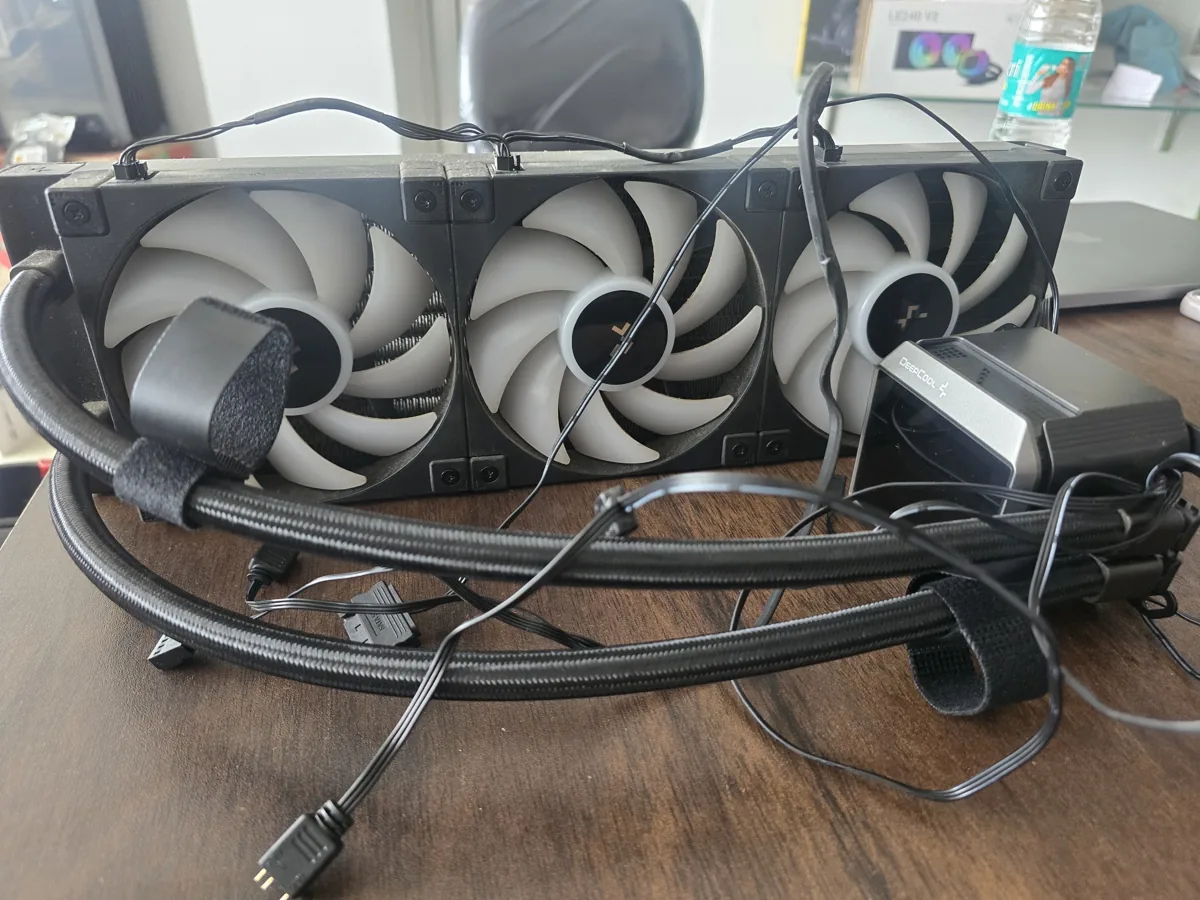
Use the destination issued for this case. The nearest sales office or collection point may not accept your product category or courier returns. Confirm the receiving contact, postcode, working arrangements and any external RMA label required before booking a pickup.
Ask which party pays outbound and return shipping and whether an approved label or collection service is supplied. Get an actual quote for the packed parcel, including insurance or declared-value cover where available. DTDC, Blue Dart, Delhivery and India Post services should be compared by the service accepted at the destination, tracking, claim conditions and coverage; no courier is automatically best for every route.
Protect the part in layers.
Use the provider’s packaging instructions first. For exposed electronics, use suitable ESD protective packaging rather than assuming every coloured plastic bag provides the same protection. Place cushioning outside the protective layer, support the component so it cannot move, protect protruding connectors and use a sturdy outer carton. Avoid loose material that can enter sockets or fans. Seagate’s packing instructions illustrate why device-specific ESD and impact protection matter; other components need their own approved packing method.
Photograph the component’s condition, its serial and included accessories before packing, then the protective layers, closed carton and shipment label. Keep the courier receipt, tracking ID, parcel weight and delivery proof. These records document handover and condition; a packing video does not automatically decide liability for every later dispute.
For a motherboard, check socket-protection requirements before packing. Do not place an unsuitable object over an exposed socket or force a cover into place. For a CPU, use the specified protective carrier. For a modular PSU, send exactly the leads requested and keep a list. A replacement PSU must use cables confirmed compatible with that replacement; similar-looking connectors are insufficient.
If a courier reports loss or damage, contact the courier and the service provider promptly through their documented processes. Insurance has terms, exclusions and evidence requirements; selecting a declared value does not guarantee full invoice-value reimbursement. For an international return, obtain written acceptance, address and customs documentation instructions before shipping. Describe the shipment accurately.
Step 4: Wait (And How to Speed It Up)
Track stages, not an invented universal number of weeks. “Delivered” in a courier app means a delivery event was recorded; it does not necessarily mean the service team has logged, tested or approved the part. Ask for the provider’s receipt acknowledgement and current case status.
A courier scan is only one checkpoint.
- Case authorisedConfirm what and where to send.
- Parcel dispatchedSave tracking and contents evidence.
- Service receipt loggedAsk for the provider’s acknowledgement.
- Inspection / decisionCoverage and remedy are assessed.
- Return & verifyIf returned, check identity, condition and operation.
| Milestone | Keep this evidence | Useful next question |
|---|---|---|
| Case opened / authorised | Case ID, authorisation and dispatch deadline. | “Are these the complete packing and return instructions?” |
| Courier delivered | Tracking and delivery proof. | “Has the service centre logged receipt against this case?” |
| Inspection / decision | Diagnostic result and coverage decision. | “What is the finding, next action and expected update date?” |
| Repair / replacement arranged | Proposed model, condition and warranty terms. | “What will be returned, and when will dispatch be confirmed?” |
| Return received / tested | Delivery record, returned serial and test outcome. | “How do I report a problem with this return?” |
Use the promised update date as your first follow-up point. If no date was supplied, ask for one and agree a reasonable checkpoint for your situation. Keep the conversation factual and in one thread. Duplicate cases can separate the evidence across teams; repeated calls without a new question rarely make the record clearer.
Follow-up that is easy to answer
“Regarding case [ID]: courier tracking [ID] records delivery on [date]. Your last update on [date] stated [status]. Please confirm the current stage, any information needed from me, the next action and the date of the next update.”
A delay may involve missing information, inspection, approval, repair capacity or replacement availability. Ask which applies instead of assuming “waiting for stock” or “no fault found” means the same thing. If the fault is intermittent, provide the conditions needed to reproduce it and ask what was tested. Avoid promising that politeness earns queue priority; professional communication helps make the case understandable, while the provider still controls its process.
When the Part Comes Back
Inspect the parcel and returned product before discarding packaging. Record the returned model, serial, accessories and service note. Confirm whether the outcome is a repair, new replacement, refurbished/recertified replacement or another remedy. If a different model is proposed, compare the functions important to your setup: interfaces, capacity, dimensions, power requirements and warranty coverage.
Test the original symptom in a safe supported configuration, then the functions relevant to normal use. A successful five-minute boot is useful evidence but may not reproduce a fault that originally appeared under a different workload. Keep the service report and results with the original purchase record.
Report a damaged, incomplete or still-faulty return through the provider’s stated process promptly. Ask it to link the new report to the original case and confirm any return instructions. Do not silently accept a model mismatch and discover weeks later that it lacks the connector or capacity you need.
Warranty treatment for a service replacement is policy-specific. As one example, Corsair’s current terms describe replacement coverage as the remaining original period or 30 days, whichever is greater, subject to applicable terms. That example must not be applied to every brand, or mistaken for a new full warranty on every replacement.
The Parallel Import Problem
A foreign-region or parallel-import product may need a different service route from Indian authorised stock. Eligibility depends on the exact product, territory and written policy. Establish whether the maker provides cross-border coverage, whether the seller made a separate warranty promise and who can actually accept the serial. “Every import is refused everywhere” and “global brand means global warranty” are both unsafe assumptions.
Ask the manufacturer for a written answer before paying for overseas shipping. Confirm the receiving country, acceptable shipper, customs paperwork, responsibility for duties and both shipping legs, and whether a replacement can be sent back to India. Also ask what happens if inspection finds the product outside coverage. A return process can be uneconomic without being impossible.
Keep the seller’s original warranty representation with the invoice. If a listing promised Indian coverage and the confirmed route contradicts it, explain that mismatch to the seller and retain its response. The parallel-import guide provides further buying context; verify the current policy for your own unit before relying on it.
When the Distributor Says No - Consumer Court
Start by obtaining the decision and its reason in writing: outside warranty, excluded damage, serial/region mismatch, no fault reproduced, or another specified ground. Ask which policy clause and inspection evidence support it. Compare that with your pre-dispatch photographs, invoice, service acknowledgement and what the seller promised. A denial is something to examine, not proof that either side is automatically right.
Choose the appropriate level of review.
Ask the seller, service provider or manufacturer to review the written decision against the warranty terms and evidence.
A pre-litigation grievance route. Keep the docket number and follow the response.
If pursued, check the appropriate jurisdiction, evidence, current filing requirements and limitation rules.
1. Request an internal review
Write a short chronology with the relevant attachments. State what you dispute and the remedy you seek: a reasoned reassessment, completion of agreed service, repair, suitable replacement or another appropriate outcome. Distinguish documented facts from your interpretation. Ask for a response and named case reference through the official channel.
Escalation draft
“I request a review of decision [reference/date] for [model, case ID]. The decision states [reason]. I dispute this because [specific evidence]. Attached are the purchase record, condition photographs, handover proof and correspondence. Please explain the applicable policy and findings, and confirm whether [requested remedy] can be provided. Please reply through this case by [reasonable requested date].”
A formal legal notice may be useful in a particular dispute; a qualified adviser can assess that. It is not presented here as a mandatory paid step before every grievance, a guaranteed settlement tactic or a fixed-cost service.
2. Use the National Consumer Helpline when appropriate
The National Consumer Helpline provides a pre-litigation grievance mechanism, reachable through its official portal and the listed numbers 1915 or 1800-11-4000. Keep the docket number and follow its document and status instructions. The helpline can take up the grievance with the relevant organisation; it does not issue a guaranteed refund or replace an adjudicating Consumer Commission.
Prepare a readable summary rather than uploading an unexplained pile of screenshots. Identify the seller/provider, transaction, problem, steps already taken and remedy requested. Share private identifiers only through the official process where relevant. NCH is an available route, not a promise that every warranty dispute will settle within a particular time.
3. Consider the appropriate Consumer Commission
The government’s 2021 jurisdiction notice sets the District Commission’s pecuniary threshold at consideration paid up to ₹50 lakh, with higher tiers above that. This corrects the old ₹1 crore shortcut. The relevant value, territorial jurisdiction, eligibility, fees, limitation and filing requirements need to be checked for the actual case; the amount of compensation requested alone is not a substitute for that analysis.
Use the official e-Jagriti portal and its filing guidance for the current electronic process. NIC describes it as the platform supporting consumer-complaint filing and case management. A grievance docket and a formally registered commission case are different records; keep both if applicable. Seek qualified help where the appropriate parties, jurisdiction or deadline is unclear, and keep track of deadlines while pursuing support replies.
This section explains routes, not the likely result of your dispute. No fixed fee, disposal time or win percentage is promised. If you discuss a case publicly, redact personal details and keep statements factual; social-media attention is not a dependable substitute for the formal process.
Practical RMA Tips
- Make the evidence folder at purchase time. Save the invoice, exact model, serial photographs and relevant warranty terms privately. Record any registration or promotional-extension deadline that actually applies to that product.
- Separate registration from coverage. Product registration may help administration or be required for a particular extension. It does not automatically settle every dispute about eligibility, ownership or the start date. Save the confirmation rather than assuming a universal 30-day rule.
- Test purchases promptly. Check the applicable seller process and the product’s functions soon after delivery. A universal seven-day DOA return cannot be assumed for every listing, seller or component.
- Keep protection while useful. A box can be helpful beyond the first year, and an appropriate replacement carton may be acceptable for some claims. Confirm packing and accessory conditions before discarding anything important.
- Ask the seller what it can handle. A shop may coordinate service or provide purchase evidence. Confirm charges, custody, case ownership and how you will receive updates before leaving hardware there.
- Avoid unnecessary modification. Opening or altering a component can create damage and coverage disputes. Follow the written terms and support instructions; do not open a PSU or perform risky repair attempts to strengthen a warranty claim.
- Keep old and new serials together. A replacement changes the hardware record. Keep its service note with the original invoice and ask how future claims should reference the replacement.
FAQ
Sometimes. Ask whether the actual seller will accept the part, open the case and coordinate with the authorised provider. Obtain a receipt naming the model/serial and included accessories. Clarify any fee and who will communicate the decision. MDComputers, PrimeABGB and marketplace sellers should be assessed by the service they confirm for that purchase, rather than a blanket promise based on the shop’s name.
A marketplace purchase can have a genuine seller-issued digital invoice. Download it from the order and check the seller, item and date, then compare it with the maker’s authorised-seller and territory conditions. The platform name alone does not establish coverage or invalidate the invoice. If details are missing, request the correct document from the seller and ask the provider what else it needs.
Some written warranties allow repaired, refurbished or recertified replacements. Whether a particular outcome meets the applicable warranty and consumer obligations depends on the facts and terms; it cannot be settled by the word “refurbished” alone. Ask for the condition, specifications and remaining coverage in writing. If you dispute suitability or a fault persists, document it and use the review/escalation route rather than assuming a universal new-unit entitlement or automatic loss of rights.
Use the exact product policy and purchase evidence. GPU and motherboard periods vary by model and region; registration-based extensions may have conditions. CPUs differ between boxed and tray/OEM channels, and some Intel models have specific extensions. RAM “limited lifetime” is a defined policy term, not a fixed promise covering every owner forever. SSD policies may use both time and an endurance limit. PSU coverage also varies by series. Record the applicable period instead of applying a generic category table to every part.
Ask the provider to confirm the applicable requirements and acceptable protective packaging. A missing retail box, missing accessories and inadequate shipping protection are different issues. Keep its answer in the case and request any refusal in writing. For a disputed requirement, NCH or qualified legal advice can help assess the facts; this guide does not treat a single statutory section as an automatic replacement rule.
Related Guides and Tools
Checked October 2026. Confirm current product-specific instructions before handing over hardware. Consumer-escalation information is general guidance; filing requirements and the merits of a dispute depend on its facts.