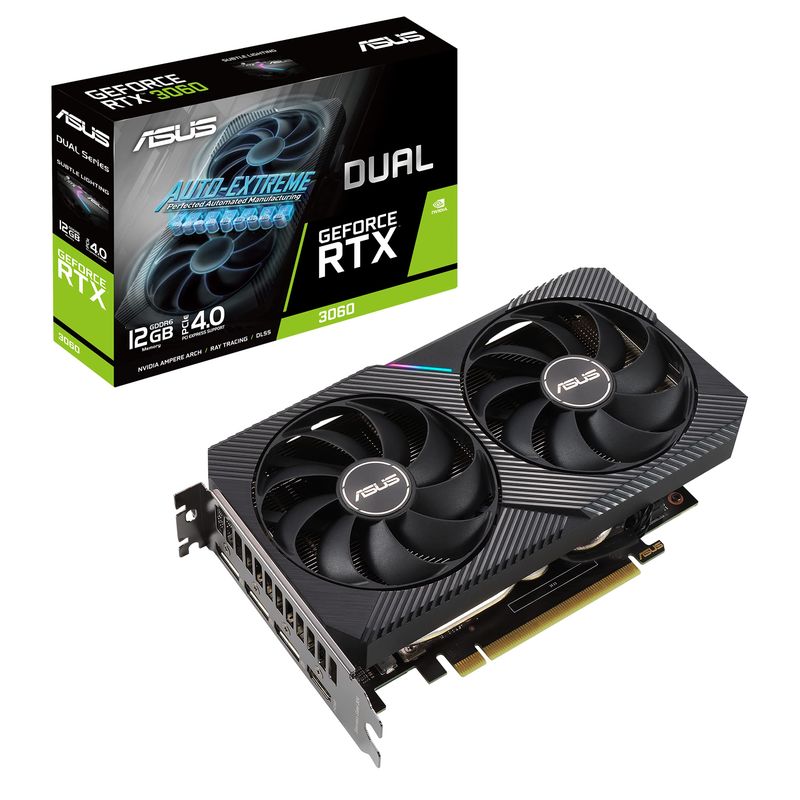
NVIDIA GeForce RTX 3060 12GB
12GB 1080p-grade graphics card, 170W draw, 240mm long, DLSS 2.
Older Ampere card best treated as a 1080p option or an editor-focused 12GB CUDA card. GetPC considers Rs 23,000-25,000 sensible new pricing and recommends avoiding listings above Rs 30,000.
Official India stock. Full warranty through the brand's India service network, standard RMA if anything goes wrong.
Full specs
PSUs rated 550W+
Cases that fit 240mm
Where to buy NVIDIA GeForce RTX 3060 12GB in India
Expect to pay roughly ₹24,000-26,500 for the NVIDIA GeForce RTX 3060 12GB in India right now, depending on offers and seller. I always recommend buying from retailers that give a proper GST invoice - it's what makes your India warranty claim smooth later.
Affiliate links on linked vendors - your price stays the same. PrimeABGB shown for comparison only.
In my years running a PC store, PrimeABGB (Mumbai) and Vedant Computers (Kolkata) have also been consistently reliable for verified stock - compare before buying.
RTX 3060 12GB Price in India (2026): Buy New or Used?
RTX 3060 12GB India price and buying advice from GetPC store experience. See the ₹23K to ₹25K target, editor use, 1080p verdict and used-card checks.
Buy the RTX 3060 for the right workload, not because 12GB sounds future-proof
The RTX 3060 12GB remains useful for 1080p gaming and can be especially practical for an editor who needs NVIDIA software support and more VRAM than many newer entry-level cards provide. For a new card in India, ₹23,000 to ₹25,000 is the price range where we would consider it. Above ₹30,000, skip it. For a new gaming build, start with the RTX 5060 instead.
The RTX 3060 is no longer our default new gaming recommendation. It still has a real niche for editors who value its 12GB GDDR6 memory, 192-bit interface and CUDA ecosystem. Gaming buyers should treat it as a 1080p card and refuse inflated old-stock pricing.
A sensible range only when the exact card has official Indian warranty.
Old stock does not become faster because normal supply is scarce.
Gaming and creation buyers value different parts of this GPU.
The distinction matters because most searches for “RTX 3060 price in India” are purchase questions. A specification list alone cannot answer them. The correct decision depends on the final price, warranty, workload and what newer cards cost on the same day.
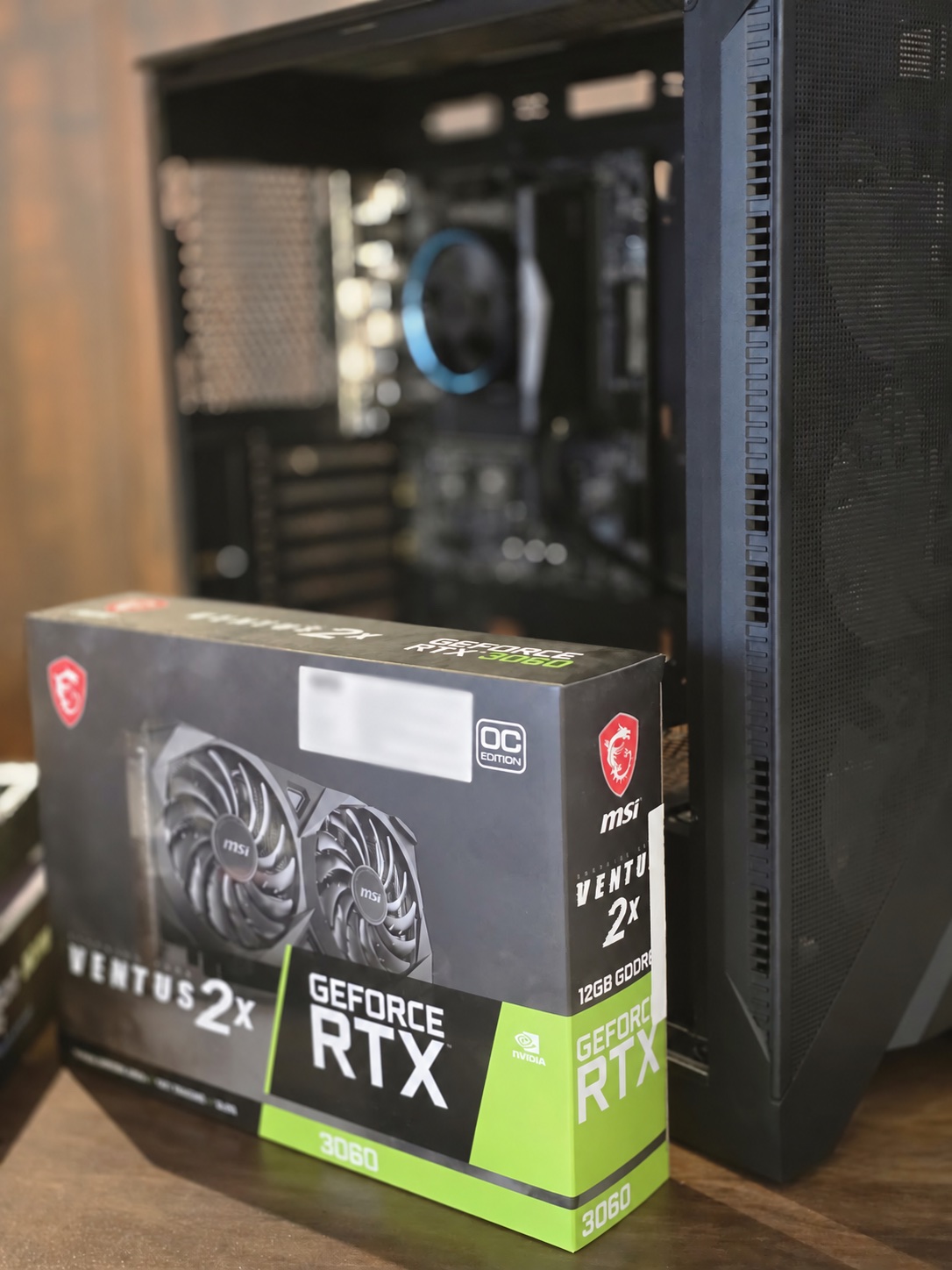
GetPC sold and assembled many RTX 3060 systems. We frequently used the MSI GeForce RTX 3060 Ventus 2X 12GB and Gigabyte GeForce RTX 3060 Windforce 12GB. We did not encounter a recurring failure pattern that would make us warn buyers away from the product family. That store history supports confidence in the model, but it does not make every used card healthy or every new listing good value.
₹23,000 to ₹25,000 is attractive; above ₹30,000 is not
GetPC's retailer history has recently shown sensible listings around ₹24,000 to ₹25,400, but many of those offers were already out of stock. Other listings have been much higher. That spread is exactly why one isolated marketplace price should not define the value of the GPU.
At ₹23,000 to ₹25,000 with a valid GST invoice and applicable Indian AIB warranty, the RTX 3060 12GB can still be considered. It gives a creator an affordable route to 12GB of NVIDIA VRAM, while a 1080p gamer receives a mature and widely supported card.
Once the price crosses ₹30,000, the calculation changes. A buyer is then paying current-generation money for an older Ampere product. Open the live RTX 5060 page and evaluate the complete build before paying. Scarcity, an old MRP sticker or a seller's claim that the 12GB model is rare does not justify an inflated price.
GetPC's RTX 3060 buying rule
Use the live retailer table for today's observed prices. Verify stock, the full model suffix, GST invoice and warranty before checkout. An out-of-stock page is not an available deal.
The page deliberately does not publish a fixed used price. Condition, remaining warranty, exact AIB model, repair history and the local seller all change the transaction. A used card should be judged as an individual unit, not valued from one universal number.
The same GPU served gaming PCs and serious editing workstations
There was no single correct CPU pairing. In gaming systems, the RTX 3060 appeared beside mainstream processors. In editing systems, customers sometimes selected a much higher-end CPU because their render, encode, effects or timeline workload was primarily processor-bound while still requiring NVIDIA acceleration and substantial VRAM.
Memory followed the workload. A normal gaming PC could use 16GB or 32GB, while creation machines could rise to 64GB or 128GB when the software, project size and media format justified it. The GPU did not dictate that RAM capacity. The editing application and project did.
Power-supply choices ranged from 650W to 1200W across complete workstations. That does not mean the RTX 3060 needs a 1200W PSU. NVIDIA and common board-partner specifications place the normal system recommendation around 550W. Larger units appeared because some workstations also used power-hungry CPUs, many drives, add-in cards or a future upgrade plan.
Why the 12GB and 192-bit design still attracts editors
NVIDIA launched the desktop RTX 3060 with 12GB of GDDR6 on a 192-bit memory interface. The reference specification includes 3,584 CUDA cores and a 170W graphics-card power figure. Board partners can change clocks, cooler dimensions and power behaviour, so the exact MSI, Gigabyte, Zotac, ASUS or other product page remains the source of truth for physical fit.
The MSI Ventus 2X 12GB OC specification lists 12GB GDDR6, a 192-bit interface, one 8-pin power connector and a 550W recommended PSU. Gigabyte's Windforce OC 12GB specification also lists 12GB GDDR6, a 192-bit interface, one 8-pin connector and a 550W recommended PSU.
Those facts explain the editor interest without proving that the card is fastest in every creative application. Twelve gigabytes can accommodate projects or assets that exceed a smaller VRAM budget, and NVIDIA's CUDA and NVENC ecosystem is supported by many creative tools. Actual performance still depends on the application version, codec, effects, export path, CPU and project.
Treat it as a 1080p card in 2026
The RTX 3060 is still usable for 1080p gaming. The right preset will vary by game, but this is the resolution class in which we would plan a system around it. Competitive games, older titles and less demanding releases can run very well. Newer, heavier games may need reduced settings, upscaling or less ray tracing.
We would not buy it specifically for 1440p. It can output that resolution and some titles will be playable, but that is different from recommending the card for consistently strong 1440p gaming in a new build. The GPU's processing performance becomes the limitation even when 12GB of memory is available.
This is also why the old page's exact FPS chart has been removed. GetPC did not retain a controlled in-house benchmark dataset for the RTX 3060. Publishing precise numbers collected across unrelated reviewers, game versions and test platforms would create false confidence. The current page states the practical resolution fit without pretending that one number applies to every PC.
1080p with sensible settings
Keep or consider the card when the price is right and the games you play fit its performance tier.
A fresh 1440p gaming build
Do not let 12GB alone convince you that the GPU is a current 1440p recommendation.
Editors and gamers are making different purchases
For a fresh gaming PC, the RTX 5060 belongs to a newer performance and feature class. That is the card we would investigate first. The comparison should not be reduced to memory capacity: 12GB on an older GPU does not automatically beat 8GB on a substantially newer one, just as a faster GPU does not erase every workload that benefits from more VRAM.
A used RTX 3060 can still be a rational editor purchase. An editor may need CUDA compatibility, 12GB of VRAM and dependable driver support while spending the larger share of the workstation budget on the CPU and system memory. That is a different decision from buying the best new 1080p gaming card.
We are intentionally not attaching one price comparison to these two products. New and used conditions are not equivalent, and live market prices change. Compare the RTX 5060 as a new gaming purchase; evaluate a used RTX 3060 as a tested creation tool with known condition, invoice and remaining warranty.
Used RTX 3060 12GB
- Best buyer
- Budget-conscious editor
- Key appeal
- 12GB plus CUDA
- Gaming target
- 1080p
- Required step
- Test the exact card
RTX 5060
- Best buyer
- Fresh gaming build
- Key appeal
- Newer performance tier
- Gaming target
- Modern 1080p
- Required step
- Compare live prices
A good 550W or 650W unit is the normal answer
For mainstream RTX 3060 systems, a reputable 550W or 650W 80 Plus Bronze or better PSU is the practical range. Wattage is not the only quality measure. Check the exact model, protections, connector availability, warranty and credible independent assessment.
A 650W unit gives useful headroom for common builds and future changes. A workstation with a high-end CPU, numerous drives or other expansion hardware may justify more. Calculate from the whole system rather than copying the largest PSU we ever installed in an editing machine.
Physical size also varies. MSI lists the Ventus 2X at 235mm long, while Gigabyte lists its Windforce OC at 198mm. Those examples show why a single generic length in a catalogue should not overrule the exact board-partner specification. Check GPU length, thickness, front radiator clearance, power-cable bend and airflow before buying.
We did not see a recurring RTX 3060 failure pattern
Across the cards GetPC sold and installed, there was no repeat fault that defines the RTX 3060 family. That is useful context, but it is not a lifetime guarantee. Fans, thermal material, connectors and individual memory chips can still develop problems, especially after years of unknown use.
New buyers should confirm the seller is authorised, retain the GST invoice and register or verify the product as required by the AIB brand. Used buyers should request the original invoice and check the serial number with the manufacturer or distributor when possible. Warranty terms differ by brand and can change, so this page does not promise automatic transfer to a second owner.
Test present condition instead of trusting the seller's story
There is no reliable visual test that proves whether a GPU mined cryptocurrency. Dust, worn fans or discoloured metal can indicate poor care, but a clean card can still have problems and a former mining card can still function correctly. Buy based on condition, diagnostics, invoice and seller accountability.
Use this sequence before paying:
- Inspect the card under good light. Look for corrosion, oily residue, damaged screw heads, cracked fan blades, loose connectors, burnt areas or obvious repair work. Spin each fan gently with the system off and listen for scraping or excessive bearing play.
- Verify the identity. Use GPU-Z to confirm that the reported GPU, 12GB memory size, memory type, bus width, subvendor and BIOS information match the exact RTX 3060 being sold. A screenshot sent by the seller is weaker evidence than running it yourself.
- Test the outputs and fans. Connect the ports you will use, allow the card to warm up and confirm both fans respond normally. Watch for flicker, coloured blocks, black screens, driver resets or unexpected shutdowns.
- Run a varied GPU load. OCCT's 3D Adaptive test can vary the load across the GPU's operating curve and report errors. A card that merely opens Windows has not passed a gaming-style stability test.
- Run a VRAM test. OCCT states that its VRAM test can exercise the memory chips and report faulty-chip errors, although it cannot expose every transfer-related problem. Any error is a reason to stop the purchase.
- Review temperatures and clocks. Compare behaviour with the exact AIB model and room conditions. Do not accept severe throttling, fan noise or instability merely because the seller says mining cards always run hot.
- Agree on a return window. Even a successful short test cannot guarantee long-term life. A written testing period or accountable local seller is safer than a final cash transaction with no recourse.
Do not flash a different BIOS as part of a casual inspection. Record the existing BIOS details and investigate any mismatch before purchase. Changing firmware adds risk and can complicate diagnosis or warranty.
The card still makes sense in two narrow situations
The price and workload align
- A new officially warranted card costs roughly ₹23,000 to ₹25,000
- You want dependable 1080p gaming rather than a 1440p promise
- Your editing software benefits from NVIDIA acceleration and 12GB VRAM
- A used unit passes identity, 3D, VRAM, temperature and fan checks
- You already own it and it still meets your needs
The listing relies on nostalgia or one spec
- The new price exceeds ₹30,000
- You are building a fresh gaming PC and can buy the RTX 5060
- You expect strong modern 1440p gaming simply because it has 12GB
- The seller refuses testing, invoice or serial verification
- The card shows errors, artifacts, instability or abnormal fan behaviour
Do not overspend on a CPU purely to “avoid a bottleneck.” Editors may intentionally use a high-end CPU because their application is CPU-heavy. Gamers should balance CPU, GPU, display resolution and target frame rate. The same RTX 3060 can sit in two sensible systems built for entirely different priorities.
Pay ₹23,000 to ₹25,000 for a new RTX 3060 only when its warranty and your workload justify it. Avoid new prices above ₹30,000. For gaming, prefer the RTX 5060. For a carefully tested editor workstation, the RTX 3060 12GB can still earn its place.
Compare: RTX 5060 8GB | RTX 4060 8GB | RX 7600 8GB. Guides: Buying Used PC Parts in India | PSU Quality in India | Where to Buy PC Parts.
Price we have actually seen
Down 5.7% since we started tracking. Every point is a price our crawler recorded at an Indian retailer - no estimates, no MSRP. Tracking began recently, so the window grows week by week.
Questions
Use the live retailer table on this page for the latest tracked observations. GetPC considers roughly ₹23,000 to ₹25,000 a good new-card range with official Indian warranty. We recommend skipping new listings above ₹30,000.
Yes for suitable 1080p settings and for specific creation workloads. It is not our default recommendation for a new gaming PC because the RTX 5060 belongs to a newer gaming performance class.
It can run some titles at 1440p, especially with adjusted settings or upscaling, but GetPC treats it as a 1080p card. We would not build a fresh 1440p gaming system around it in 2026.
The desktop card combines 12GB of GDDR6, a 192-bit interface and NVIDIA's CUDA and NVENC ecosystem. Those attributes can be useful in compatible creation software. Check the exact application's GPU support and project requirements before deciding.
It can be worthwhile for an editor when the exact card is healthy and the transaction is accountable. For gaming, GetPC would first compare newer options. We do not publish one fixed used price because condition, warranty and model vary too widely.
You usually cannot prove the previous workload from appearance alone. Verify the card with GPU-Z, inspect it physically, test GPU stability and VRAM with OCCT, monitor temperatures and fans, confirm invoice and serial details, and require a return window.
Yes for many mainstream systems when it is a reputable exact model with the required connector and appropriate protections. GetPC commonly prefers 550W or 650W 80 Plus Bronze or better, with the final capacity based on the complete system.
No recurring failure pattern appeared across the many cards we sold and installed. Every used unit still needs individual testing because age, handling and operating history differ.
The MSI GeForce RTX 3060 Ventus 2X 12GB and Gigabyte GeForce RTX 3060 Windforce 12GB were common in our systems. Other AIB versions can use different coolers, dimensions, clocks and warranty processes.
For a new gaming build, start with the RTX 5060. A used RTX 3060 is a separate editor-focused value decision when 12GB and NVIDIA software support matter. Do not compare them only by VRAM capacity or model number.